
How to Scale Hiring with Recruitment Marketing Automation
How to turn approved job posts into paid social campaigns automatically: a seven-stage workflow with owners and exceptions, an illustrative rollout, measurement definitions and a pre-launch checklist.

To turn job posts into social advertising automatically, connect an approved vacancy source to a controlled campaign workflow: validate the role, create and approve channel-appropriate content, launch within budget, route applications to the recruiting system and stop advertising when the role closes. Organic job sharing and paid campaign automation are different tasks.
This guide sets out that workflow stage by stage, with the owner, output and exception for each step, then shows an illustrative rollout and the measures that tell you whether it works.
TLDR
- Automating paid social campaigns starts from an approved vacancy source, not from every record in a job feed.
- Each stage needs a named owner and a defined exception, so problems are held and fixed instead of advertised.
- A lead, an application start and a submitted application are different events; test the full path into the ATS.
- Always-On Job Ads is Adway’s product for creating campaigns from open roles.
- For a market overview before choosing a tool, see Adway’s summary of programmatic job ad platforms.
- Measure launch coverage, time to approved launch, stale-role incidents, ATS handoff success and qualified applications separately.
Why automate the job-to-campaign workflow at all?
Recruiting teams usually start with manual campaigns: someone picks a vacancy, writes an ad, sets a budget and checks applications. That works for a handful of roles. It breaks down when vacancies change daily, run in several markets and need consistent controls, because each step depends on a person remembering it.
Automation helps when it makes those steps repeatable without removing the decisions. The vacancy owner still confirms the role is accurate, the marketing owner still approves budget and scope, and the recruiting team still owns what happens to applications. What changes is that the workflow carries each vacancy through the same checks every time, and shows clearly where a role is held and who has to act.
Which vacancies should become campaigns?
Not every record in a job feed should be advertised. Campaign eligibility is a decision, usually owned by recruitment marketing: which roles, which markets and which budget. A role can be accurate and still not eligible, for example when it is filled internally, sits outside the approved markets or has no budget assigned.
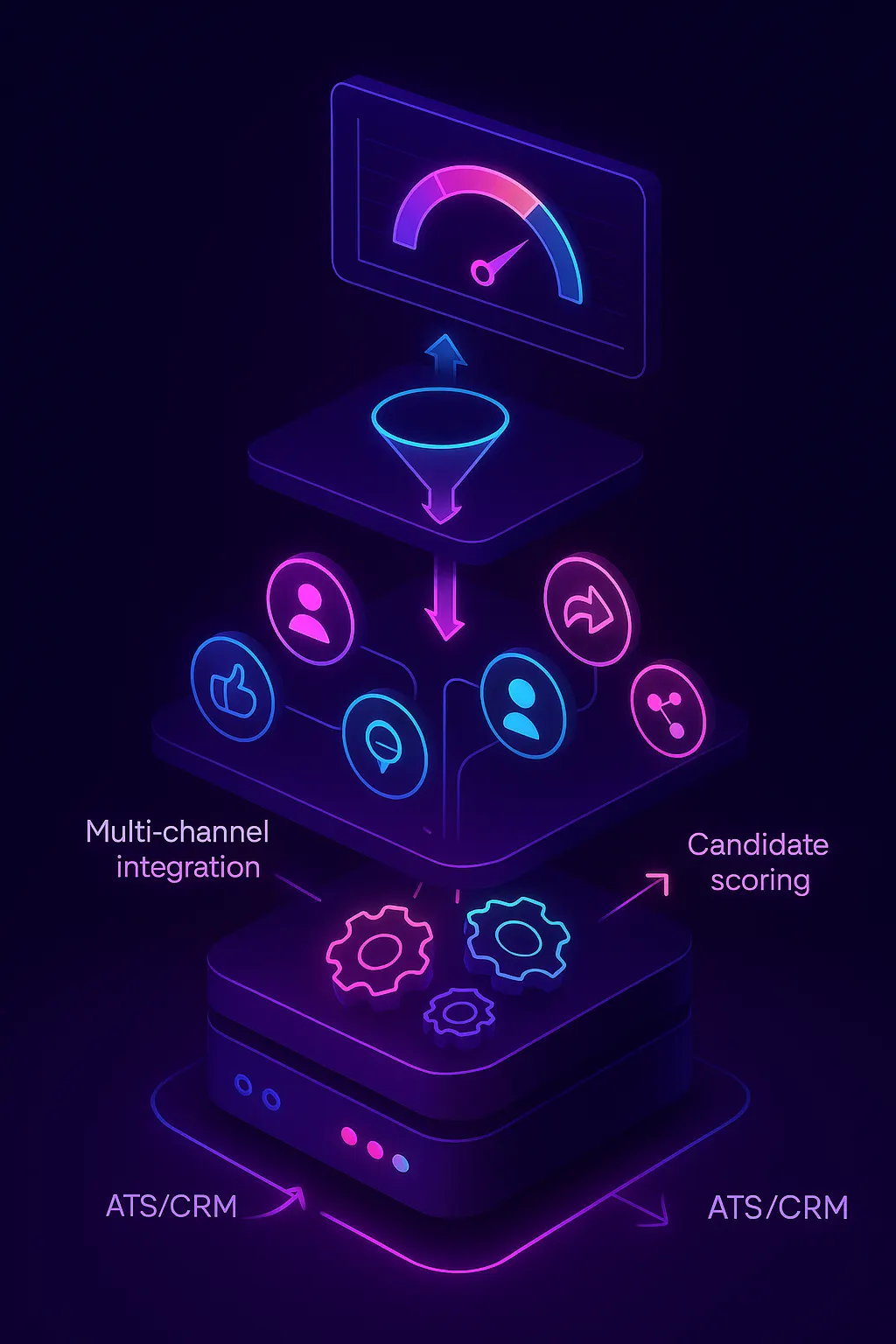
Write the eligibility rules down before automating anything. A good rule names the approved role types, the markets, the budget source and who can grant an exception. Records that fail a rule are held with a visible reason rather than silently skipped.
Inside a Modern Recruitment Marketing Automation Stack
The workflow has seven stages. Each one takes an input, performs an action under a named owner, produces an output and has a defined exception.
| Stage | Input | Action | Owner | Output | Exception |
|---|---|---|---|---|---|
| 1. Vacancy ingestion | Approved vacancy source with a stable job ID, role, location, required criteria, status and destination | Read and validate each record | Recruiter owns accuracy | A validated vacancy record | Incomplete or closed jobs are held |
| 2. Campaign eligibility | Validated vacancies plus approved roles, budget and markets | Check each vacancy against the eligibility rules | Marketing owner checks scope | An approved or held eligibility status | Do not advertise every record automatically |
| 3. Creative generation and adaptation | Employer evidence, job facts and the destination | Create or adapt channel-appropriate content consistent with the job and destination | Approval owner checks accuracy and usage rights | Approved creative | Misleading or stale copy is held |
| 4. Launch controls | Approved creative, selected social channels and spend limits | Launch the approved campaign and track review and approval state | Named owner for platform rejections | A live campaign or a recorded rejection | Platform approval is never assumed |
| 5. Application path | The live campaign and its application journey | Test the mobile journey and essential fields | Recruiting operations | A working path that separates interest or leads, starts and submitted applications | A broken or incomplete path stops the launch |
| 6. ATS handoff | Submitted applications with role and source identifiers | Transfer required fields, deduplicate and log failures with retries | Named owner for failed handoffs | An ATS record or an owned failure record | Connector-specific behaviour is confirmed, not assumed |
| 7. Ongoing changes and closure | Changed pay or location, closures and feed outages | Update, pause or stop campaigns | Vacancy owner confirms changes and closure | Accurate live campaigns only | Stale vacancies are never advertised during an outage |
Integration depends on the connector and configuration, so confirm the details for your system on the Adway integrations page and in an end-to-end test.
How Does Programmatic Social Recruiting Reach Passive Talent at Scale?
Paid social campaigns reach people who are not following your company and may not be searching for a job. That is the difference from organic sharing, which mostly reaches existing followers. The scale comes from running the same controlled workflow for every eligible role, not from advertising more records.
The application path decides whether that reach turns into candidates. Distinguish three events: interest or a lead, an application start and a submitted application. Test the journey on a phone with the fields you really need, and do not assume a single-step application works the same way on every channel. Adway’s research on social recruiting is collected in the Social Recruiting Report 2025. For the platforms that run these campaigns, see Adway’s programmatic social job ad platform overview.
What does an illustrative rollout look like?
This example is illustrative. An employer’s feed contains 12 vacancy records. Eight pass the approved role, market and budget checks. Four are held:
| Held vacancy | Reason | Owner to resolve |
|---|---|---|
| Vacancy A | Missing location | Recruiter |
| Vacancy B | Closed | Vacancy owner |
| Vacancy C | Closed | Vacancy owner |
| Vacancy D | Awaiting creative approval | Approval owner |
One eligible role is tested end to end: it launches, a test application is submitted and the ATS confirms receipt with the role and source identifiers. The other eligible roles follow the same path, while the four held records stay held until their owners resolve the issue. Twelve feed records are not twelve live campaigns, and that is the workflow doing its job.
How should you measure the workflow?
Keep each measure separate and define its denominator:
| Measure | Definition | What it tells you |
|---|---|---|
| Launch coverage | Eligible launched roles / approved eligible roles | Whether approved roles actually reach the market |
| Feed records | All vacancy records received, reported separately | The size of the input, not the size of the programme |
| Time to approved launch | Time from vacancy approval to live campaign | Where approvals or creative slow the workflow |
| Stale-role incidents | Campaigns found running for closed or changed roles | Whether closure and change handling work |
| ATS handoff success | Submitted applications with a matching ATS record | Whether the integration delivers what the campaign collects |
| Submitted and qualified applications | Submitted applications, and those meeting the role criteria after review | Whether the campaigns attract relevant candidates |
In the example above, eight approved roles out of twelve feed records describes eligibility, while eight launched out of eight approved describes launch coverage. Neither proves efficiency on its own. A low eligibility rate can reflect deliberate controls, so do not optimise it blindly. Evaluate interviews and hires later and separately from the campaign measures. If you are still choosing a platform, compare candidates on these measures using the platform overview.
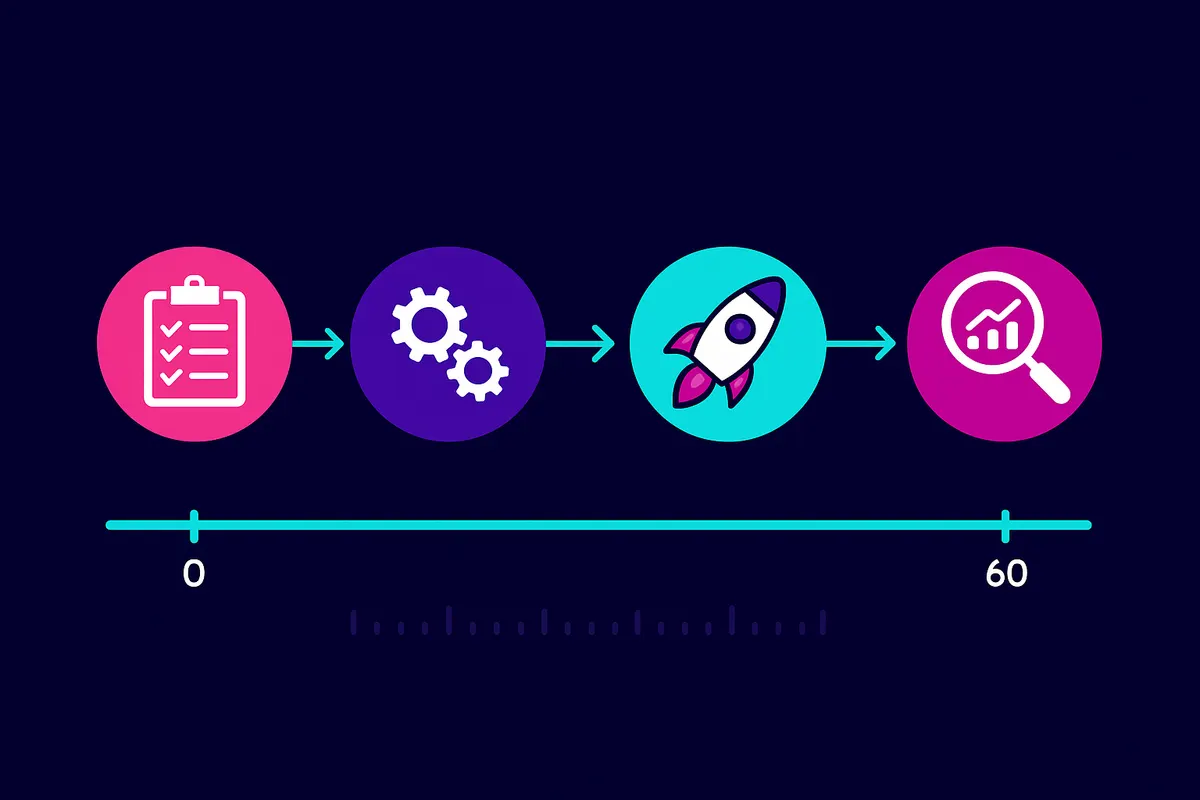
How do you keep campaigns accurate after launch?
Most failures happen after launch, when a role changes or closes. Agree who confirms changes to pay or location, who pauses a campaign when a role closes, and who acts when the vacancy feed fails. During a feed outage, the safe default is to stop advertising rather than run roles that may already be filled. Every closure should have an owner and a tested outcome.
Before the first launch, run this acceptance checklist:
- A stable job ID and a visible approved or held status with a reason for every record.
- Approved creative, destination, budget and spend limits for the test role.
- A mobile test of the application journey with the essential fields.
- A test application that creates an ATS record with role and source identifiers, or a logged failure with an owner.
- A tested role change and a tested closure, with the campaign stopping as agreed.
- A named owner for feed outages and for platform rejections.
Manual and automated responsibilities in the job-to-campaign workflow
| Workflow step | Human responsibility | Automation to verify | Evidence before proceeding |
|---|---|---|---|
| Vacancy accuracy and eligibility | The recruiter confirms job facts; the marketing owner approves role, market and budget eligibility. | Read the approved vacancy source and hold incomplete, closed or unapproved records. | A stable job ID and a visible approved or held status with a reason. |
| Creative and campaign launch | An assigned owner approves accurate content, usage rights, destination and spend limits. | Adapt approved content and launch only the approved campaign configuration; surface rejections. | The approved creative, destination, budget and launch or rejection status. |
| Application and ATS handoff | Recruiting operations defines required fields, duplicate handling and the failure owner. | Transfer the expected application data with role and source identifiers and expose failed handoffs. | An end-to-end test with an ATS receipt or an owned failure record. |
| Role changes and closure | The vacancy owner confirms changes and closure; an assigned owner resolves feed outages. | Apply approved updates and stop advertising closed roles according to the agreed workflow. | A tested role change, closed-vacancy outcome and recorded outage response. |
Adway has been recognised as a Core Leader in the 2026 Fosway 9-Grid for Talent Acquisition, for 5 consecutive years.
Key Takeaways & Next Steps
Automating the job-to-campaign workflow means automating the repeatable steps while keeping the decisions with named owners. Start from an approved vacancy source, hold what fails a rule, test the application path into the ATS and stop advertising roles that close.
For budget and channel decisions, read the programmatic recruitment marketing strategy guide. For the system architecture, see the guide to pairing Adway with your ATS. To compare vendors, use the programmatic social media job advertising vendor guide or Adway’s overview of top programmatic job ad platforms, and if applications start but are not completed, the application drop-off diagnosis.
To see the workflow on your own vacancies, book a demo with Adway and bring a sample of your vacancy feed and your ATS details.
Sources
- Adway top programmatic job ad platforms
- Adway ATS and CRM integrations, Always-On Job Ads and Social Apply
- Adway on social recruiting technology
- Adway’s Social Recruiting Report 2025
- Fosway 9-Grid: https://www.fosway.com
- Adway
Frequently asked questions
What is the difference between automatic job sharing and paid social ads?
Automatic job sharing posts vacancies to your own social pages, where mainly existing followers see them. Paid campaign automation turns approved vacancies into targeted ads with a budget, reaching people who do not follow you. They are different tasks with different controls, so decide which one your team actually needs before choosing a tool.
What should happen to an ad when the vacancy closes?
Advertising for a closed vacancy should stop according to an agreed workflow: the vacancy owner confirms the closure, the campaign is paused, and anyone who applies afterwards gets a clear response. Test the closed-vacancy path before launch, and decide who handles a feed outage so stale roles are not advertised.
What happens when a vacancy is missing required fields?
Hold it. A vacancy without a location, role details or a working destination should not become a campaign. Show it as held with the reason and the owner who must fix it, and launch it only after the field is completed and the role is approved.
Which events prove that an application reached the ATS?
A submitted application in the campaign is not proof of ATS delivery. Look for an ATS record carrying the role and source identifiers and the required fields, or a logged handoff failure with an owner. Run an end-to-end test application before launch and confirm how your specific connector behaves.
Does Adway automate organic job sharing or paid campaigns?
Adway's Always-On Job Ads focus on paid social campaigns created from approved open roles, with Social Apply for the configured application journey and integrations to ATS and CRM systems that depend on the connector and configuration. Organic sharing to your own pages is a separate task that you may run with other tools.